From recipe to shopping list
Add ingredients straight from a recipe, then add anything else you need.
Shopping List guide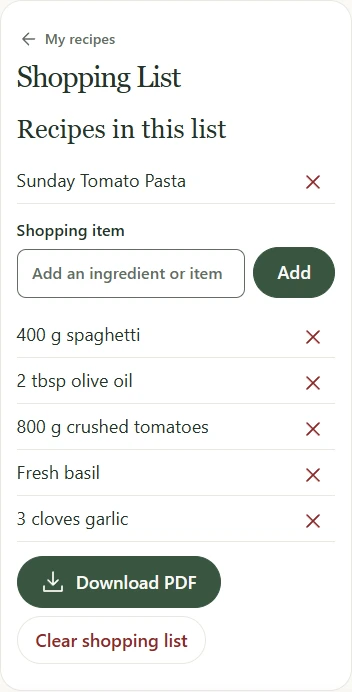
TAKE A LOOK
Start with the recipe as it is. Write it out when you want to, or keep the original card as a photo.
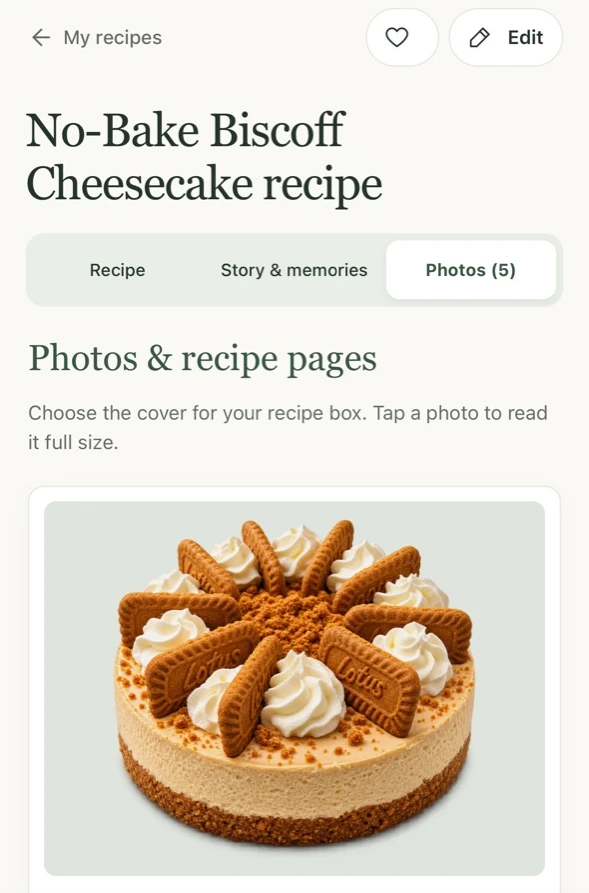
An example from the recipe box
Save a handwritten card as a photo and add a photo of the finished dish. You can choose which picture appears on the recipe cover. See how to save a card.
Type out the recipe, or send up to four card photos for an AI draft. Check the draft against the card before saving. Use Story & memories to add what you remember about the dish. See the handwritten example.
Search for the recipe by title on Home. With a written method saved, open Cooking Mode to follow one step at a time.
Invite a relative to view the recipe, help edit it or contribute a new one. The main account can choose recipes for a printable family cookbook. See how family sharing works or look inside a sample cookbook.
Back in the kitchen
Take the ingredients shopping, then keep your place in the method while you cook.
Add ingredients straight from a recipe, then add anything else you need.
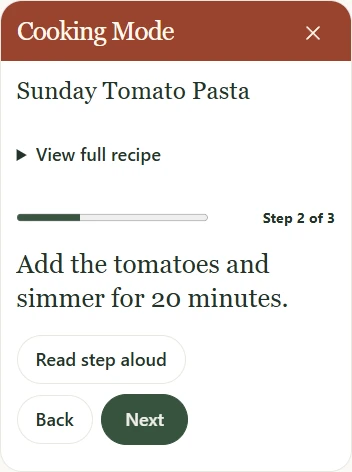
Shopping List guideKeep the current instruction on screen and move on when you’re ready.
Try Cooking Mode